
Bookings · 3 min read
Add a service
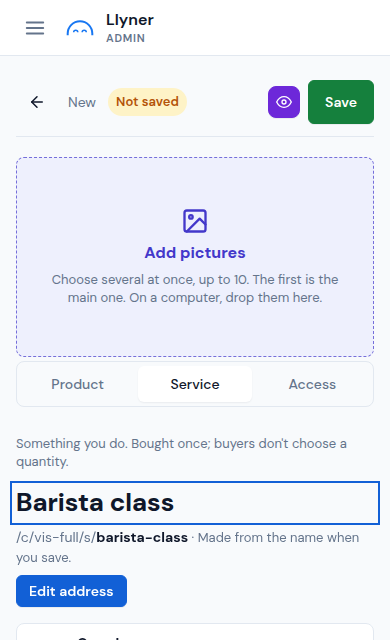
A service is something you do: a class, a haircut, a visit. Buyers book it once; they don't choose a quantity.
-
Open Sales › Products and tap New product.
-
Under Type, tap Service. Write its name where it says Service name.
-
Write its Price. Leave it empty if the price is "on request"; use Price note for things like "per person".
-
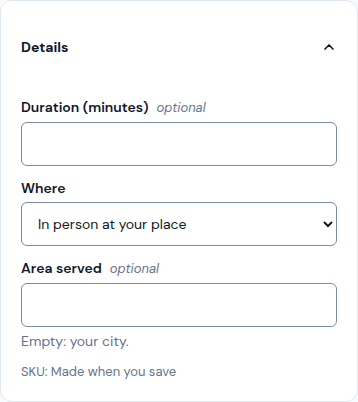
Open Details and fill in Duration (minutes) and Where: in person at your place, at the customer's place or online.
-
Add pictures with Add pictures and a Description, then tap Save. The service gets its own page that people can find on Google.
Updated October 19, 2026, with the screens as they are now.