
Your AI assistant · 8 min read
Create a diagnostic
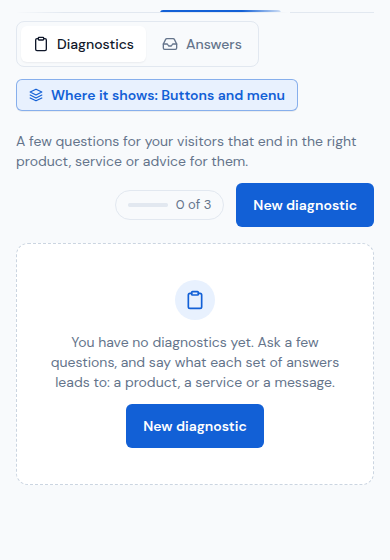
A diagnostic is a few questions for your visitors that end in the right product, service or advice for them.
-
Open Diagnostics and tap New diagnostic.
-
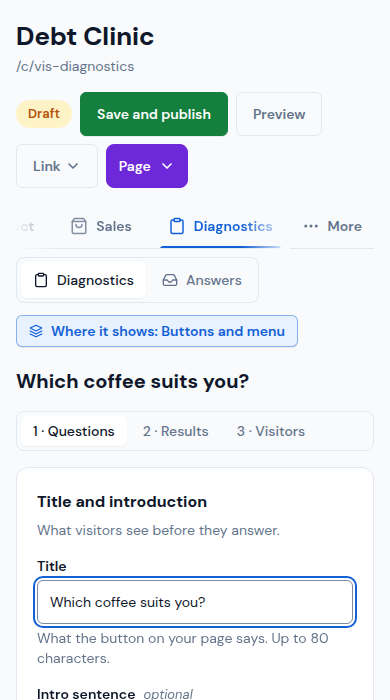
In 1 · Questions, write its Title (what the button on your page says) and an Intro sentence. Tap + Add a question, write it and its answers (or tap Yes / No).
-
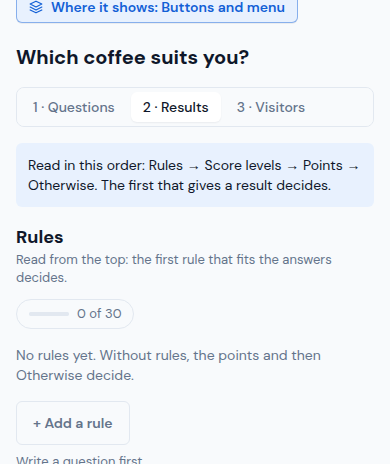
In 2 · Results, say what each set of answers leads to: + Add a rule ("If … → show …"), points for your products and services, and Otherwise for when nothing fits.
-
In 3 · Visitors, choose whether to ask for their details and how they keep their result.
-
Tap Preview to answer it as a visitor would, then Publish. Link copies the link that opens it over your page.
Updated October 19, 2026, with the screens as they are now.