
Your AI assistant · 3 min read
See what visitors asked your page
Llyner does not keep the chats themselves for you to read: you see how many there were, and everything visitors leave you through the chat.
-
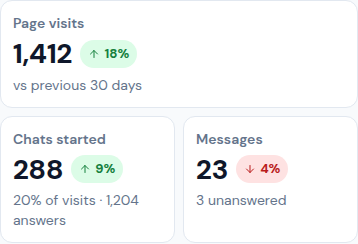
Open Home. Chats started shows how many visitors chatted in the period, and how many answers your assistant gave.
-
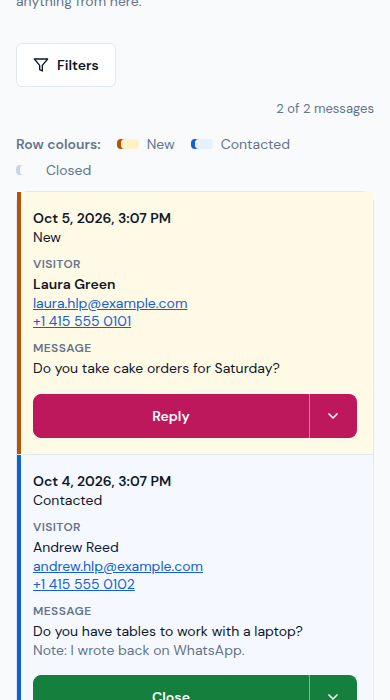
When a visitor uses the contact form in the chat, the message reaches you by email and in Contact › Messages.
-
Tap Reply to answer by email or WhatsApp, or open the menu and tap Open to read it whole and keep Your note.
-
Set its Follow-up to Contacted or Closed and tap Save follow-up. The visitor is not told anything from here.
-
Orders, bookings and diagnostics made in the chat arrive in Sales › Orders, Appointments and Diagnostics › Answers.
Updated October 19, 2026, with the screens as they are now.