
Your AI assistant · 4 min read
Teach your assistant about your business
Your page's assistant answers every visitor in your page's chat and on your website. The more it knows, the better it answers.
-
Open Content › Assistants. On Your page's assistant, tap Edit.
-
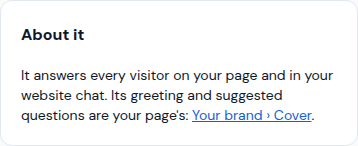
It always knows your business's name, opening hours, address and how to reach you: keep them up to date in Your brand. Its greeting and suggested questions are set in Your brand › Cover.
-
Everything you add in Content › Library (links, PDFs, posts) and your products joins it on its own. Under What it knows, tap the red × on anything it shouldn't use; Add back puts it back.
-
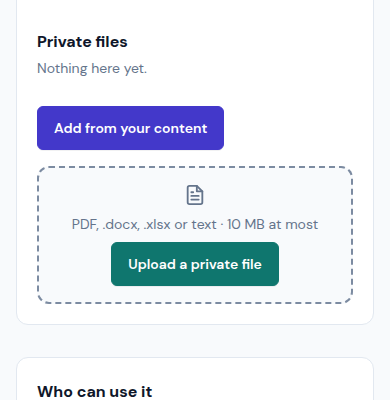
To teach it what is not on your page (prices for groups, how you work), tap Upload a private file: only the assistant reads it. Add from your content adds back what you took out.
-
Wait until each item says Ready, then ask it something on your page to check.
Updated October 19, 2026, with the screens as they are now.