
Getting started · 3 min read
Get your first visitors
A few things that make people find your page and write to you.
-
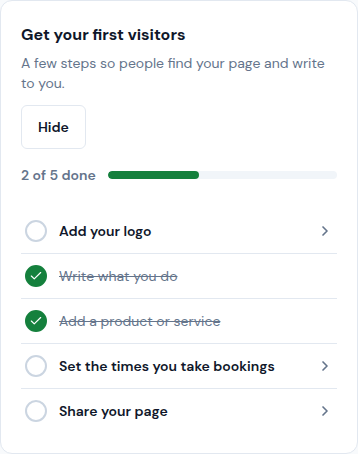
Open Home. The card Get your first visitors shows what is done and what is left. Tap a step to go where it is done.
-
Add your logo in Your brand › Brand, and write what you do in Your brand › Business.
-
Add a product or a service in Sales › Products, so visitors see what you offer.
-
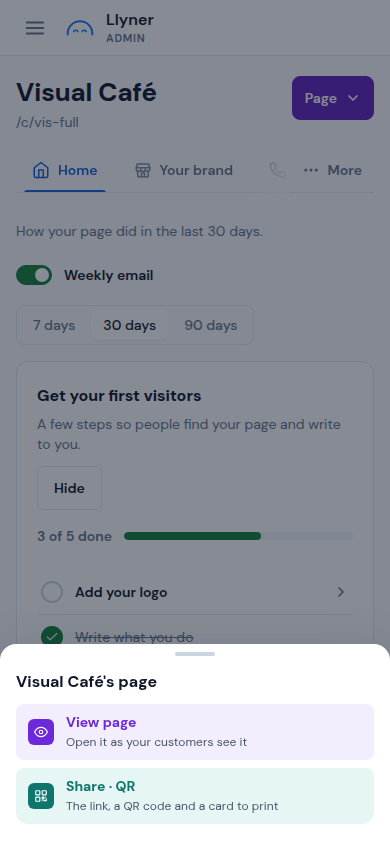
Tap Page at the top right, then Share · QR. Copy the link for WhatsApp or Instagram, or print the poster with the QR for your counter.
-
When everything is done, tap Hide to remove the card from Home.
Updated October 19, 2026, with the screens as they are now.