
Getting started · 3 min read
Read your page's numbers
Home is the first tab of your business: how your page did, and what is waiting for you.
-
Open Home and pick the period at the top: 7 days, 30 days or 90 days.
-
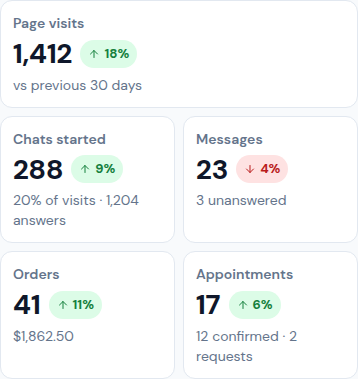
Read the tiles: Page visits, Chats started, Messages, and, when you have those modules, Orders, Appointments, Diagnostics completed and New subscribers. Under each number you see how it compares with the period before.
-
Visits and chats per day draws each day of the period. It counts from the date written under it.
-
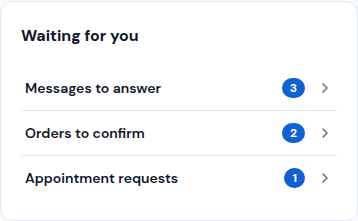
Waiting for you lists the messages to answer, the orders to confirm and the appointment requests. Tap a line to open it.
-
Further down, From visit to sale shows how many visitors chatted, wrote to you, booked or ordered, and Where visitors come from shows if they came from your QR, WhatsApp, Instagram or Google.
Updated October 19, 2026, with the screens as they are now.