
Getting started · 2 min read
Sign in on a new phone
Llyner has no password: you sign in with a link we email you. Do this on the new phone.
-
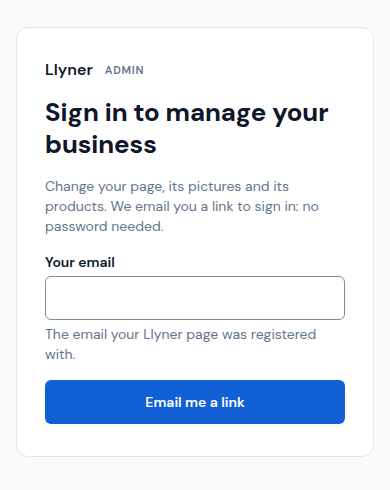
Open llyner.com/admin/sign-in. Write Your email, the one your page was registered with, and tap Email me a link.
-
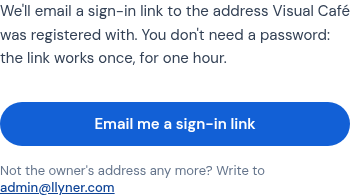
Or open your own page, tap its ☰ menu, then I own this business and Email me a sign-in link.
-
Open the email on the same phone and tap its link. You are in. The link works once, for an hour: if it expired, ask for a new one. Look in your spam folder too.
-
Lost the old phone? In Your account › Signing in, tap Sign out on every device. Every phone has to sign in again with a new link.
Your email can't be changed in the admin: write to admin@llyner.com.
Updated October 19, 2026, with the screens as they are now.