
Account and plan · 2 min read
Refer a friend
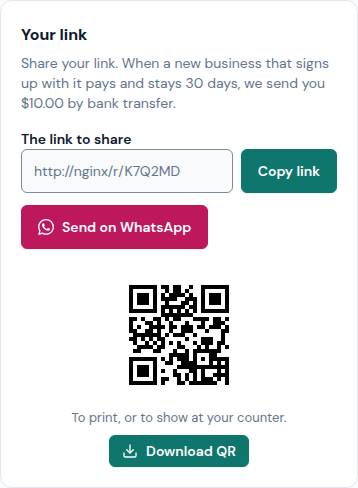
Share your link with other businesses. When one signs up with it, pays and stays 30 days, Llyner sends you a commission by bank transfer.
-
Tap ☰ at the top left, then Refer a friend at the bottom of the menu. It shows once one of your businesses is on a paid plan.
-
In Your link, tap Copy link or Send on WhatsApp. Download QR saves a QR to print or show at your counter.
-
How it's going lists each business that joined with your link: waiting for its first payment, counting its 30 days, on its way, or paid.
-
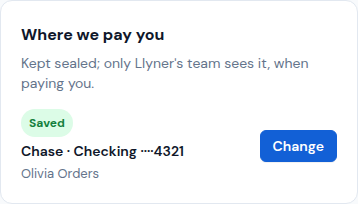
In Where we pay you, write your bank account and tap Save account. Only Llyner's team sees it, when paying you.
Refer a friend is for paid plans: while none of your businesses is on one, your link pauses. What you already earned is still paid.
Updated October 19, 2026, with the screens as they are now.