
Account and plan · 2 min read
Ask Llyner's team for help
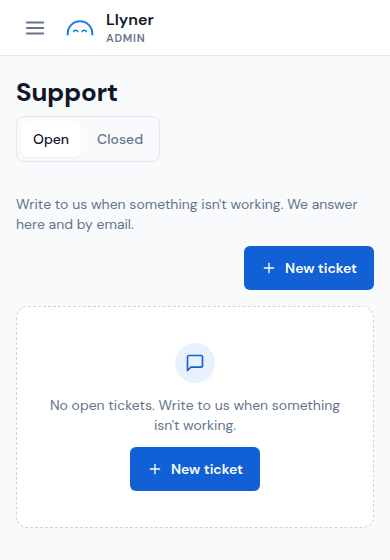
When something doesn't work, write to us from the admin. We answer there and by email.
-
Tap ☰ at the top left, then Support.
-
Tap New ticket.
-
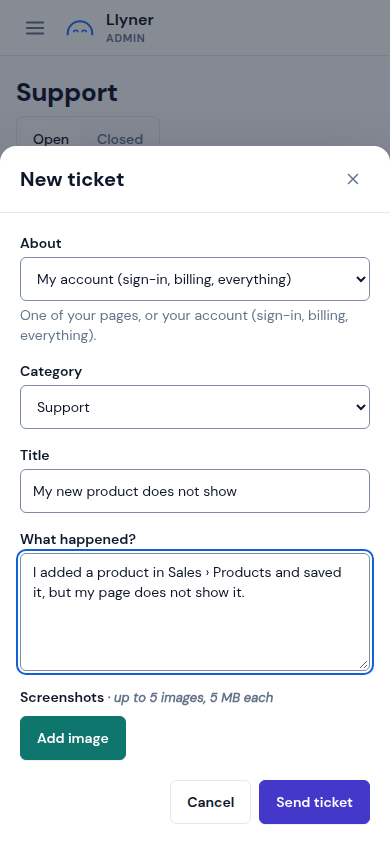
In About, pick the page it is about, or My account for sign-in, billing and everything else. Pick a Category: Billing, Support, Bug or Idea.
-
Give it a Title in a few words, and in What happened? write what you did, what you expected and what you saw. Add up to 5 screenshots with Add image.
-
Tap Send ticket. Your tickets stay under Open until they are solved; when we reply, Support shows a count and you get an email.
Updated October 19, 2026, with the screens as they are now.