
Selling and orders · 2 min read
Find your clients and what they bought
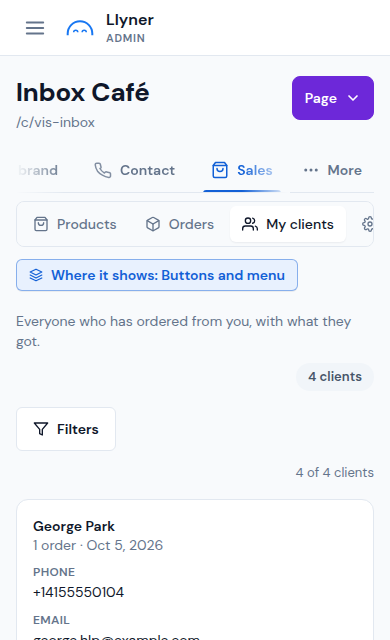
Everyone who has ordered from you is in one list, with what they got.
-
Open Sales › My clients. Each client shows their phone, email and how many orders they placed.
-
Looking for someone? Tap Filters and search by name, email or phone.
-
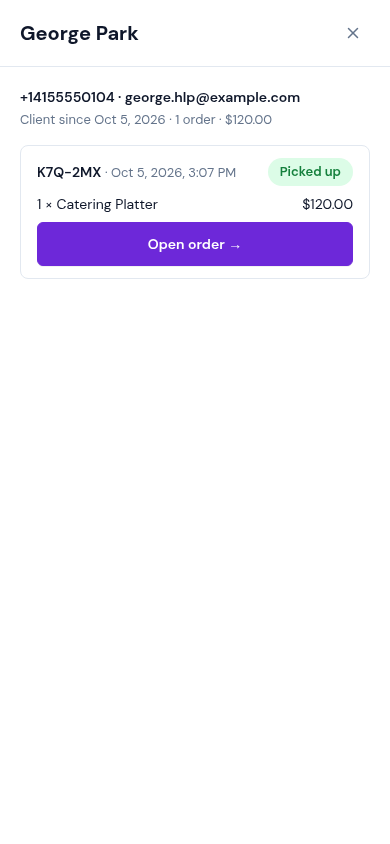
Tap See orders to see what they bought, when, and the total.
-
Tap Open order → to go to that order in Sales › Orders.
Updated October 19, 2026, with the screens as they are now.