
Selling and orders · 3 min read
How selling works on your page
Llyner takes the orders; you get paid directly, in the ways you choose. Llyner never handles the money.
-
A customer opens your page, picks your products in the chat and sends the order with their name, email and phone, for delivery or pickup.
-
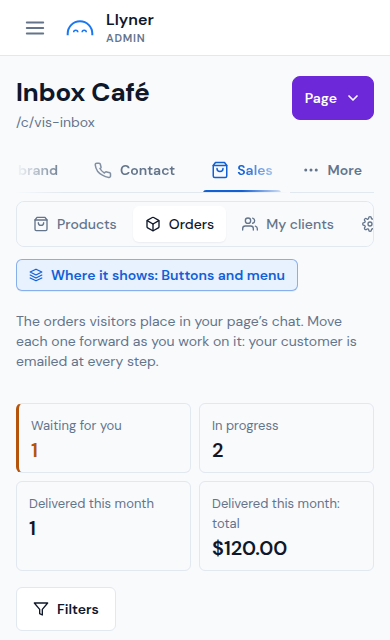
You get an email, and the order shows in Sales › Orders as Waiting for you.
-
You tap Confirm. The customer gets an email with the total and how to pay you (the ways you set in Sales › Settings).
-
They pay you by Nequi, transfer, cash or the ways you accept, and can send a payment proof. You record it with Mark as paid.
-
You move the order forward (preparing, on the way or ready for pickup, delivered) and the customer gets an email at every step. When they tap Yes, it arrived, or 15 days later, the order is Completed.
Updated October 19, 2026, with the screens as they are now.