
Selling and orders · 4 min read
Sell an access (a PDF, a link, a post…)
An Access product sells something already on your page: a PDF, a link, a post, a booking, a diagnostic or an assistant. Only the people who buy it can open it.
-
Open Sales › Products, tap New product and pick Access.
-
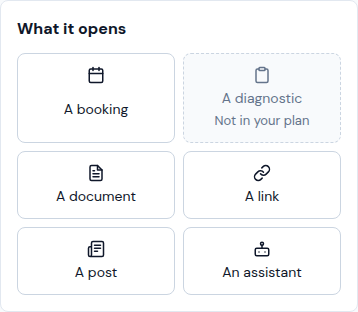
Under What it opens, tap what you sell: A booking, A diagnostic, A document, A link, A post or An assistant. One your plan lacks says Not in your plan.
-
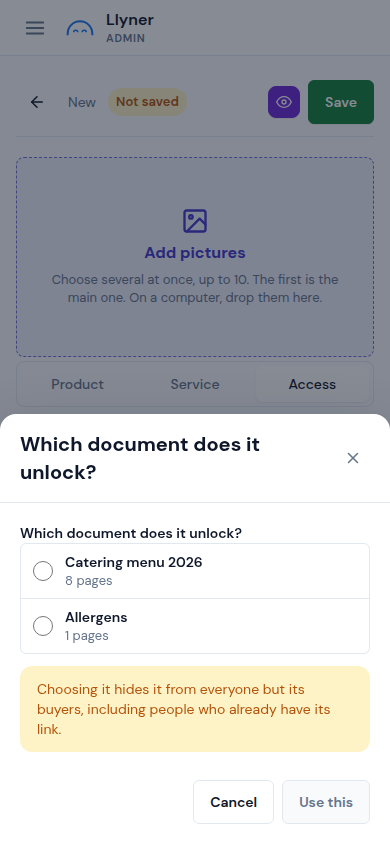
Choose the exact one in the list and tap Use this. From then on it is hidden from everyone but its buyers.
-
Write its name and Price, then tap Save.
-
When someone orders it, open Sales › Orders. Once they have paid you, tap Mark paid and give access: they get an email with a link to what they bought.
Updated October 19, 2026, with the screens as they are now.