
Your page · 5 min read
Personalize your public page
Your name, your words, your logo, your colour and your cover: what a customer sees when they open your page.
-
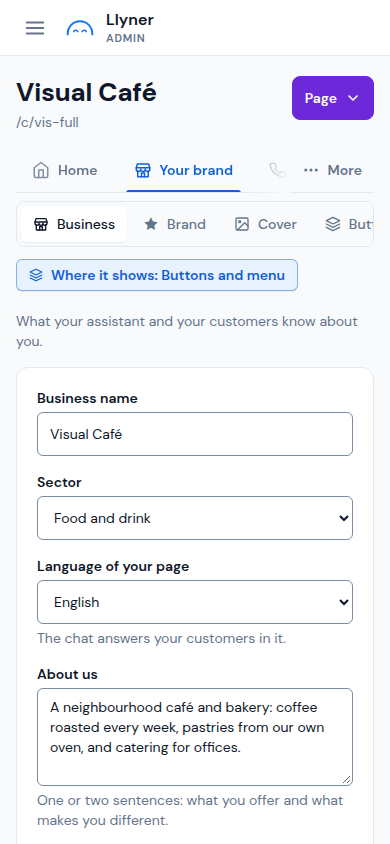
Open Your brand. In Business, check Business name, Sector and Language of your page (the chat answers your customers in it), and write one or two sentences in About us.
-
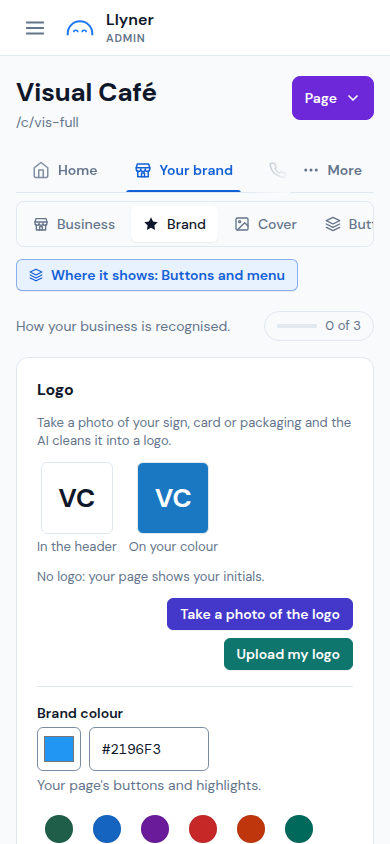
Tap Brand. Under Logo, tap Upload my logo, or Take a photo of the logo of your sign, card or packaging and the AI cleans it up. Without a logo, your page shows your initials.
-
In Brand colour, tap one of the suggested colours or type its code. How a button looks shows it on a button.
-
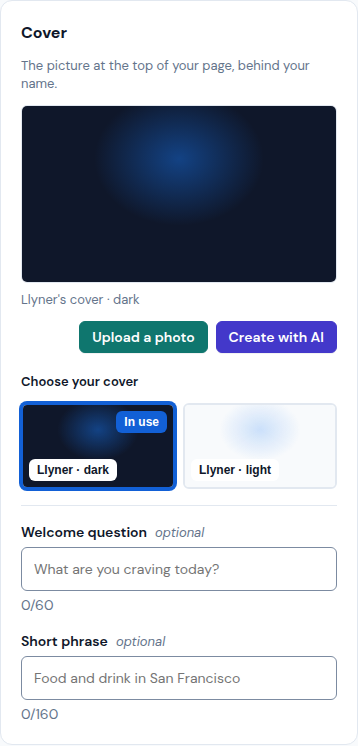
Tap Cover. Pick a picture in Choose your cover, or tap Upload a photo or Create with AI. Below it you can write a Welcome question and a Short phrase; both are optional.
-
Tap Save at the top right. Then tap Page › View page to see your page as your customers do.
Updated October 19, 2026, with the screens as they are now.